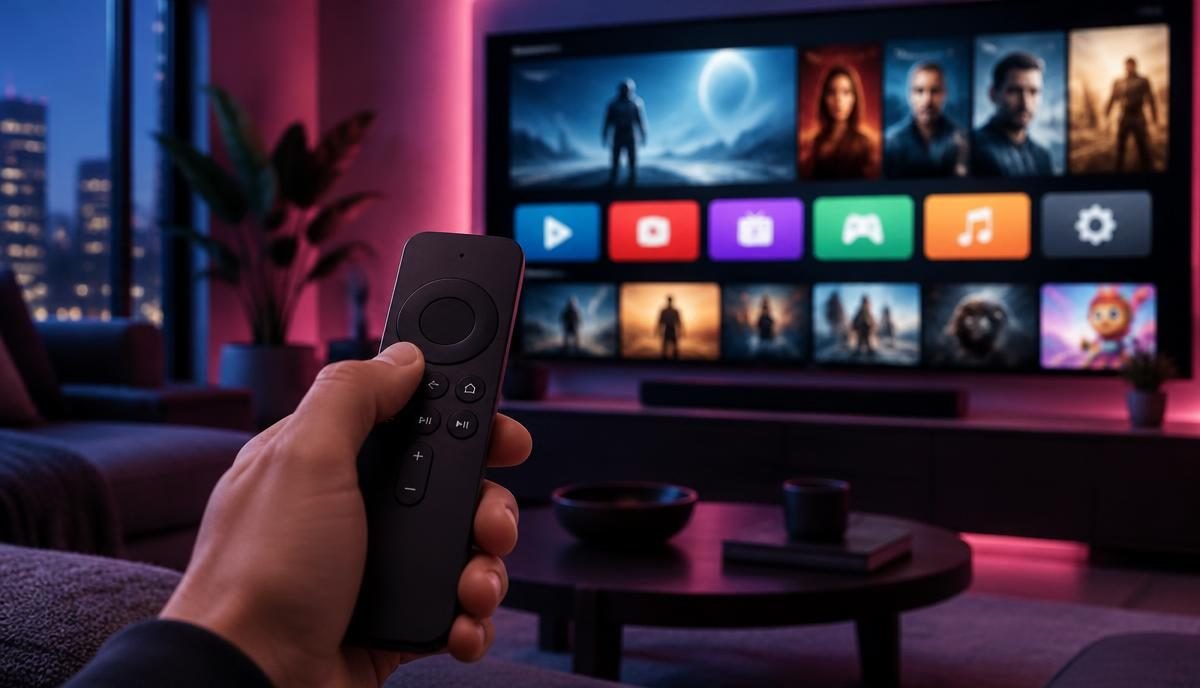
Getting started with Stallion IPTV is quick. Whatever screen you use, the steps are almost the same — and our team activates your line in a maximum of 5 minutes.
1. Choose your plan or start a free trial
Visit our plans page and choose a plan, or grab a free trial first to test the service on your own device and internet connection.
2. Receive your login details
After checkout, your line details arrive by email within a maximum of 5 minutes. Keep them handy — you’ll enter them in your player app.
3. Install an IPTV player app
- Amazon Firestick / Fire TV: install a player app from the Amazon Appstore or via the Downloader app.
- Smart TV (Samsung / LG / Android TV): install a compatible player from your TV’s app store.
- Android phones & boxes: install a player from Google Play.
- iPhone, iPad & Apple TV: install a player from the App Store.
- PC & Mac: use a desktop IPTV player.
Not sure which app to pick? Message us on WhatsApp and we’ll recommend one for your device.
4. Log in and start watching
Enter your details in the app and you’ll have access to 50,000+ live channels, 150K+ VOD’s and 60K+ Series in HD and 4K.
Tips for smooth streaming
- Use a wired connection or strong 5GHz Wi-Fi for 4K.
- Restart your device and router if a channel loads slowly.
- Keep your player app updated.
Ready to try it? Start a free trial, or pick a plan on our plans page. Activation takes a maximum of 5 minutes. Questions? Message us on WhatsApp or email admin@stallioniptv.com.
 Connect with Stallion IPTV via WhatsApp